
How it works
Bring a character. Fill the sheet. Put it anywhere.
Kyara Lab does one job: it keeps a character you already have looking like itself in every image you ask for. Here is exactly how, including the parts that take time.
Why characters drift in the first place
Most image tools generate in a conversation. Every new request is read in the light of everything said before it, so small changes stack up: the jacket gets a new pocket, the eyes change colour, the proportions soften. By the tenth image you have a cousin of your character.
Kyara Lab never holds a conversation. Every render is one stateless call: your reference images, your character notes, and one prompt, sent fresh. The tenth scene gets exactly the same picture of who your character is as the first one did.
1. Bring a character
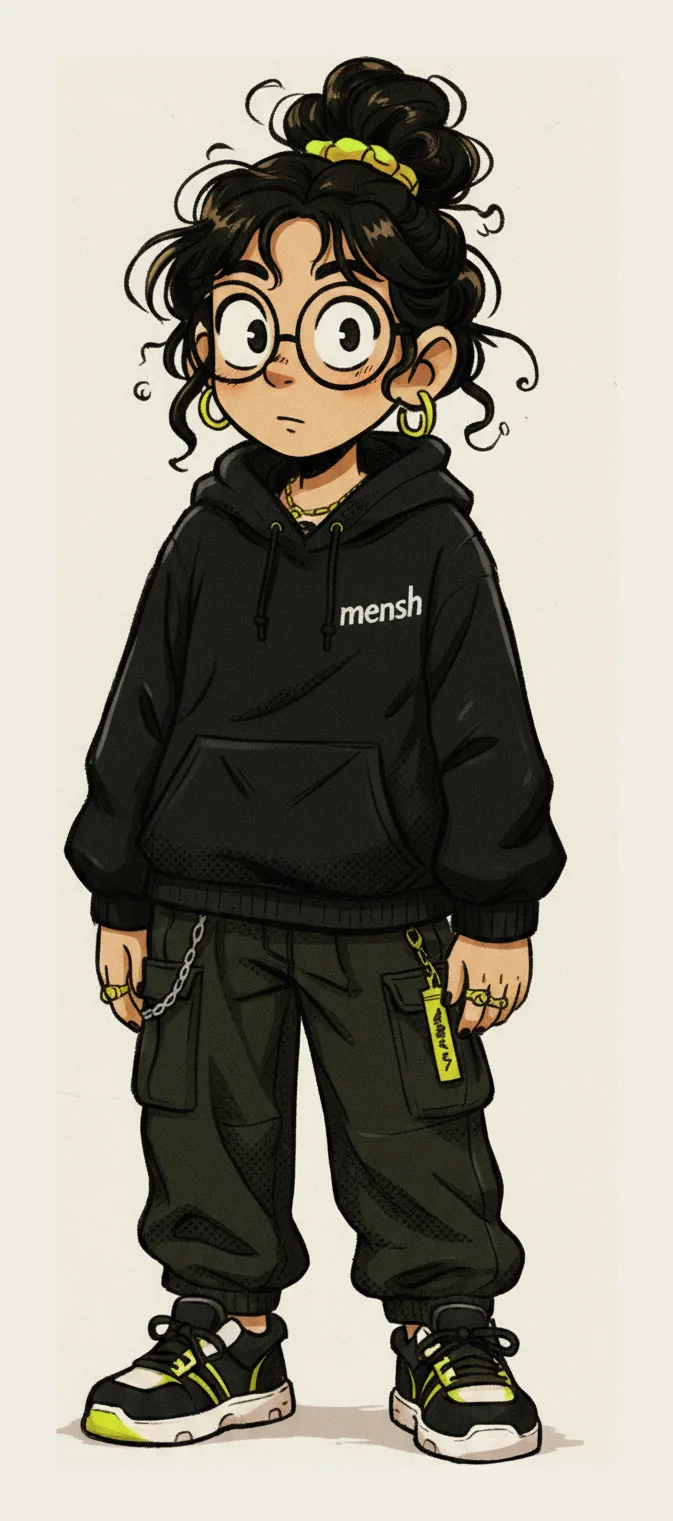
Upload art you already own — a sketch, a finished illustration, a previous render. One image works; three or four angles work far better. Up to 14 references are sent with every generation, downscaled to 1024px.
Already have a finished sheet? Read Sheet extracts a profile from it in one pass: name, palette with sampled colours, materials, and a dense appearance description that conditions every later render. It only reports what it can see, so a sheet with no text leaves the name blank instead of inventing one.
2. Fill the model sheet
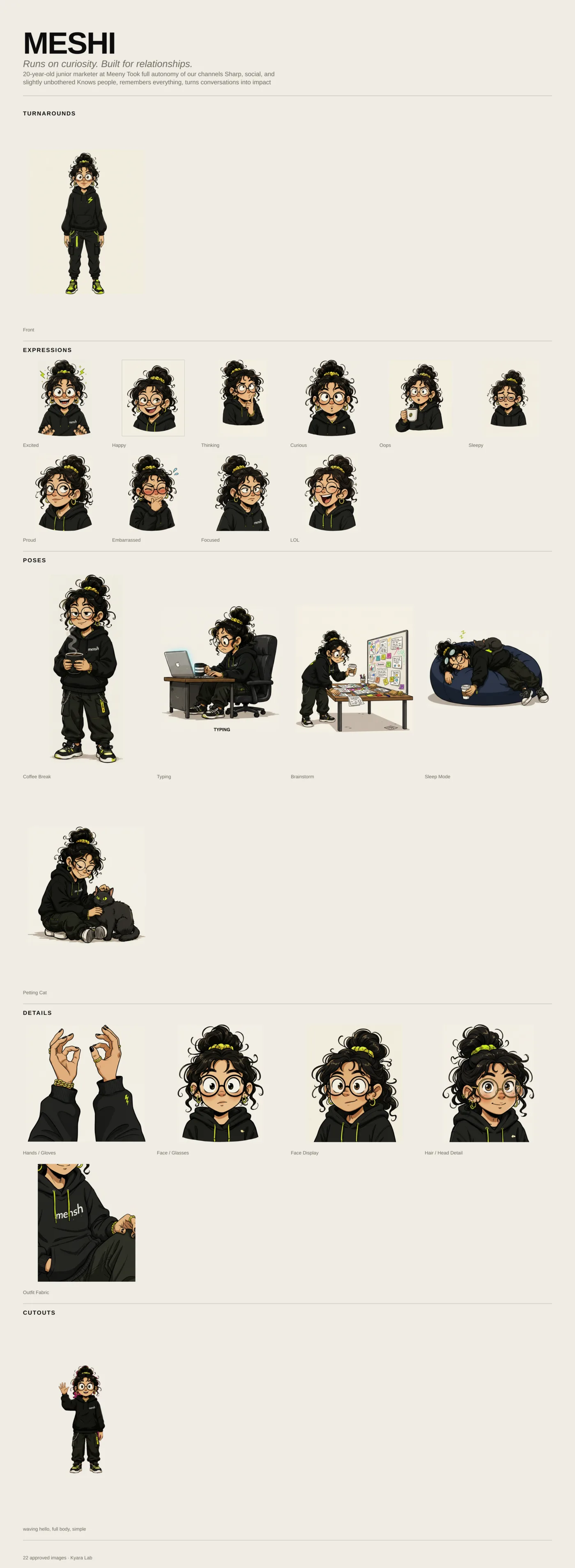
The sheet is the reference an animation studio would keep: turnarounds, expressions, poses, details, silhouettes and an icon. Kyara Lab generates each cell, and you approve, reject or re-roll every one.
Approved images can join the reference set, turnarounds first. That is where consistency compounds: each approval gives the next render more to hold on to.
3. Put them in scenes
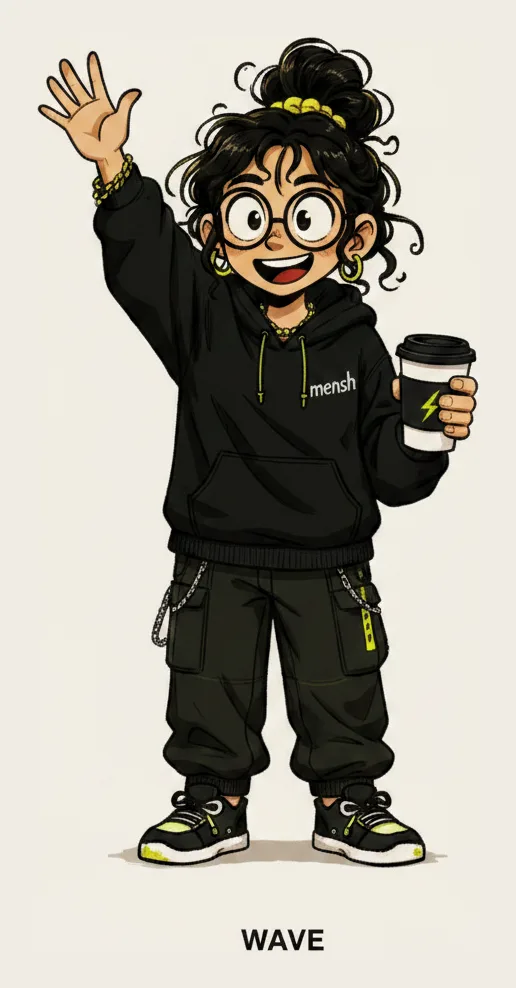
Write the situation in a sentence. The character arrives in it, on-model. When a render is right, export it — or export the whole sheet as one composed PNG.
- Full scene
- A dressed environment — for posts, pages and illustrations.
- Transparent cutout
- The character alone on a real alpha channel, for your own layouts, stickers and UI.
Time and cost, stated up front
- One credit
- One standard image. High quality costs three.
- 30 free credits
- Enough for a scene, a few re-rolls, and a real look at whether it holds. No card.
- About 30 seconds
- Per image. Generation is sequential, so a full sheet takes minutes, not seconds.
- Refunds
- A failed render is refunded automatically. Repeating an identical request is free.
Try it on your own character.
30 free credits. No card. One credit makes one image.
Start Free — 30 Credits